Teach Baker your business with Company, Knowledge and Brand
- Updated
- 4 min read
- Every plan
- Who can do this: admins and members
 Open in ChatGPT
 Open in Claude
In short
Baker learns your business from the pages under Brain. Company holds the plain facts, Brand how you look and sound, Knowledge what is true and what you have learned, Media your images and videos, and Testimonials what customers say. Baker reads them before it writes a page or an ad. To change any of them, ask Baker in a chat and press Publish when you're happy.
By the end, you'll know what each Brain page is for and how to add to it or correct it.
Before you start
- You need to be an admin or a member of the company. Viewers can read these pages but not change them.
Brain is everything Baker knows about your company. The better it is, the less you have to explain in each chat, and the closer the first draft of a page or an ad is to what you want.
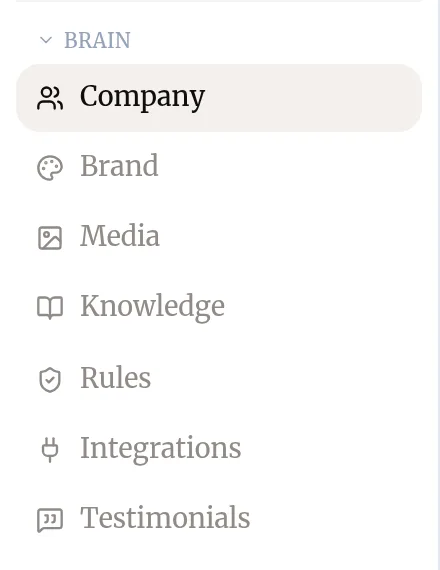
What does each page under Brain hold?
| Page | What it holds | How Baker uses it |
|---|---|---|
| Company | The plain facts: what you sell, who you serve, where, your prices and how you capture leads. | Every chat reads it first, so every piece of work starts from your business. |
| Brand | Your colors, fonts, logos, voice and tone, positioning and the proof points you use. | Every landing page, ad and document reads it, so they come out on-brand. |
| Media | Your images, videos and social posts, plus the accounts Baker follows for new ones. | Baker picks real pictures and footage from here for pages and ads. |
| Knowledge | What is true and what you have learned: personas, products, campaigns, competitor research, audit findings. | Baker searches it before researching anything from scratch, so you never pay twice to learn the same thing. |
| Rules | Standing instructions, such as “never show prices on our landings”. | See Set rules Baker always follows. |
| Integrations | The accounts you have connected. | See Connect an account. |
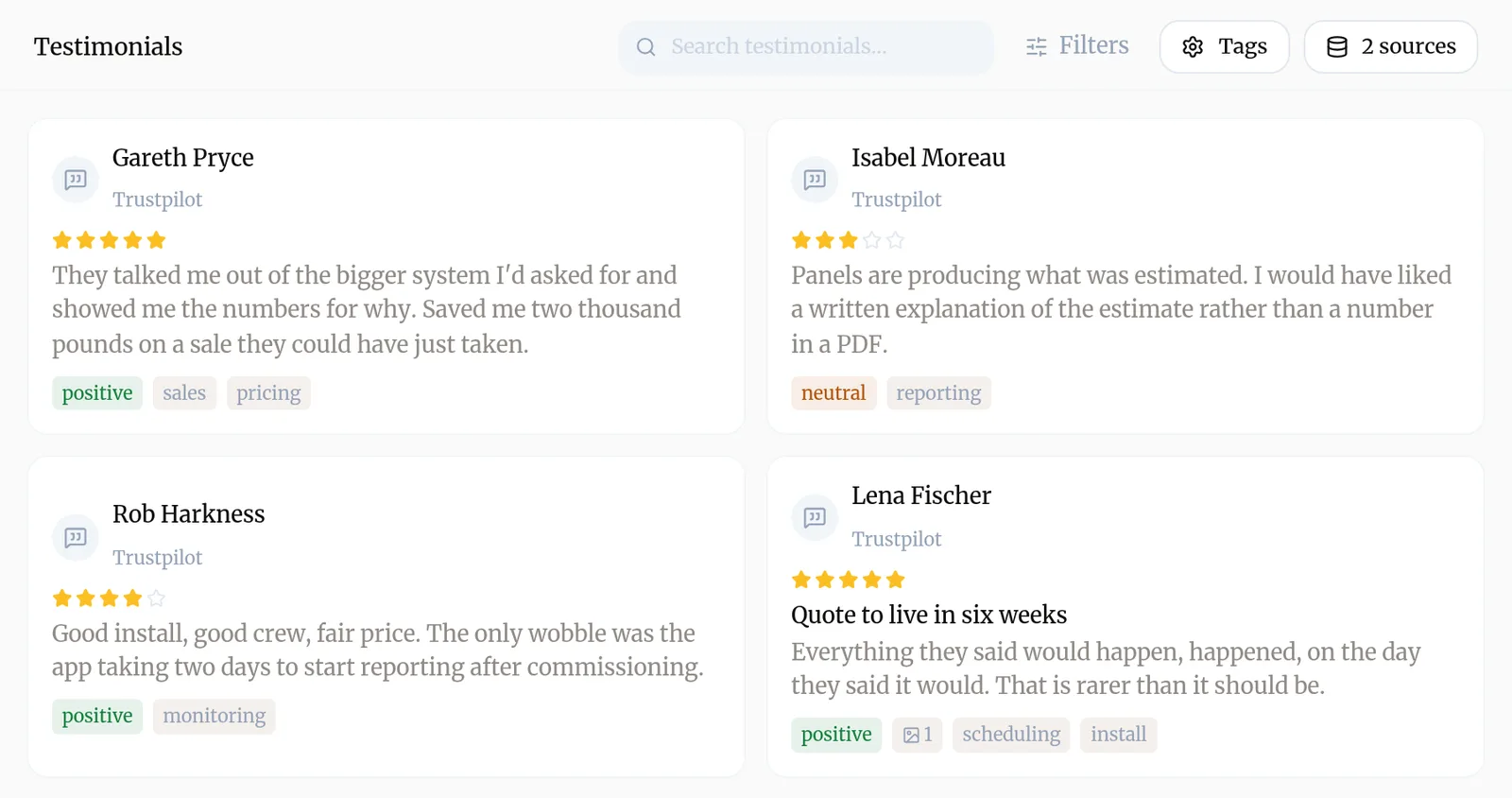
| Testimonials | What your customers say, imported from review sites such as Google and Trustpilot. | Baker quotes real customers as proof and uses their words in copy. |
How do I fill in my Company profile?
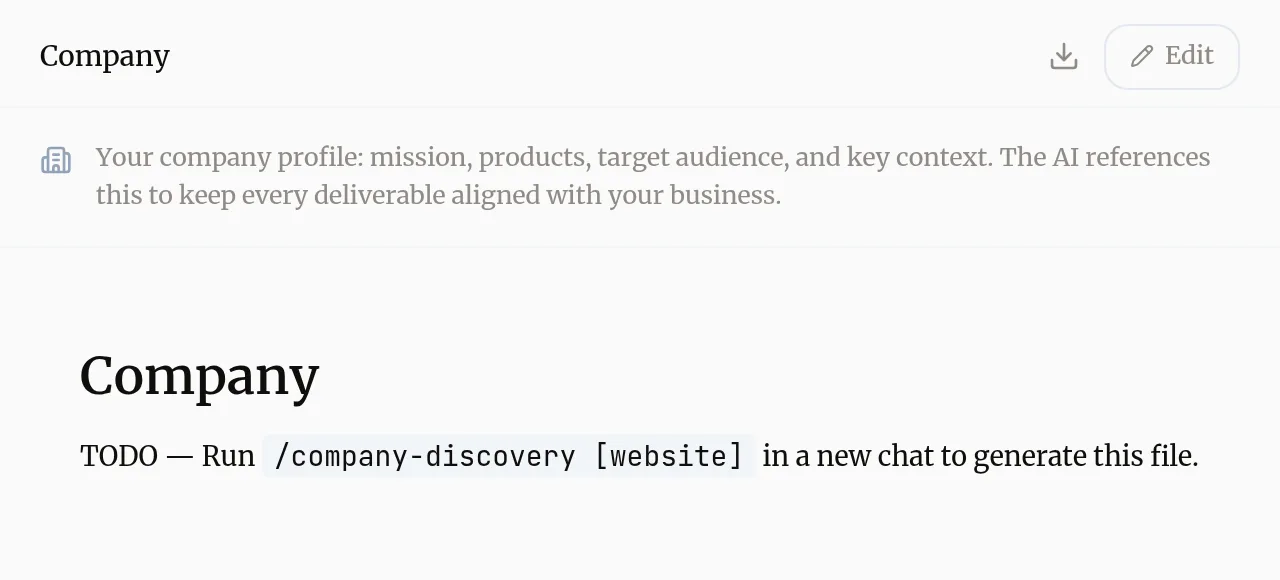
The Company page is read-only. To change it:
- Go to Brain → Company.
- Press Edit. Baker opens a chat with your profile ready to change.
- Tell Baker what to add or correct, or give it your website and let it draft the profile.
- Check the result in the chat and press Publish.
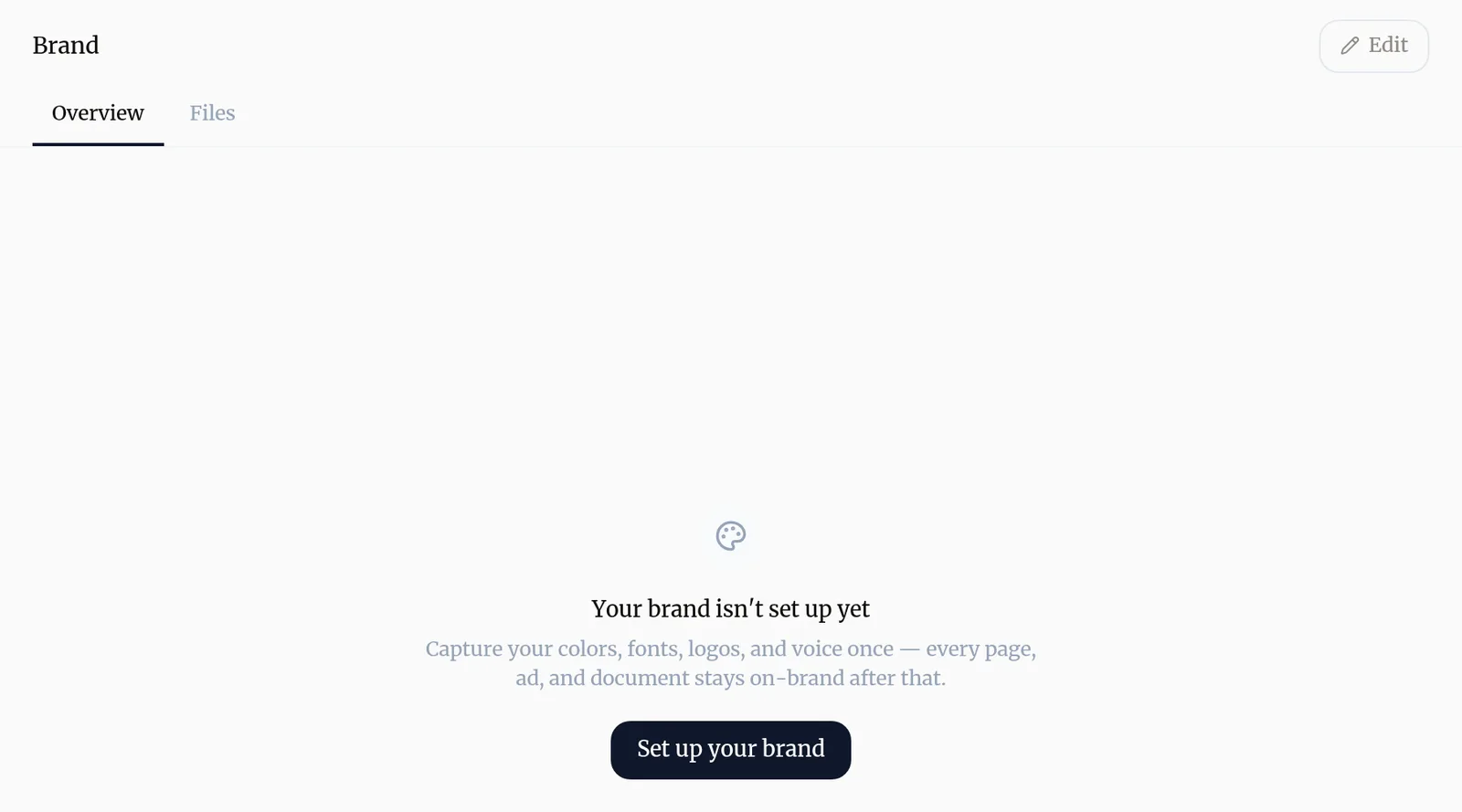
How do I set up my Brand?
- Go to Brain → Brand.
- If it is empty, press Set up your brand. Otherwise press Edit.
- Baker reads your website, or the guidelines you share in the chat, and drafts your colors, fonts, logos and voice.
- Correct anything that is off in the chat, then press Publish.
The Overview tab shows the result; the Files tab shows the files behind it, such as your logos.
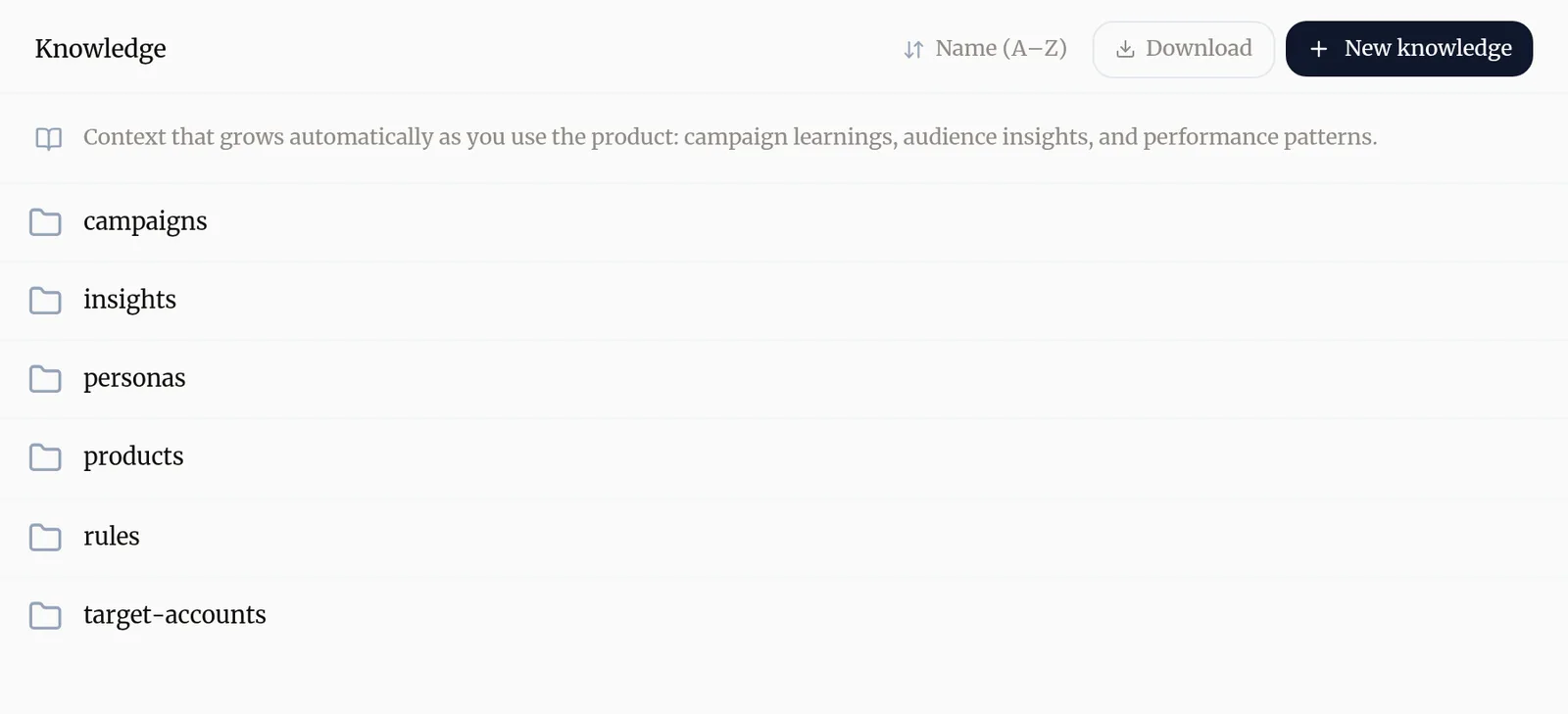
How does Knowledge grow?
Knowledge grows as you work. When Baker researches a competitor, audits your ads or finishes a campaign, it saves what it found there. You can also add to it yourself:
- Go to Brain → Knowledge.
- Press New knowledge. Baker opens a chat.
- Paste or describe what Baker should know, such as a new product, a persona or the result of a test.
- Press Publish when the entry looks right.
Press Download to take a copy of your Knowledge with you.
How do I add media and testimonials?
- Media: go to Media and press Upload to add your own images and videos. Press Sources to have Baker follow your social accounts and bring in new posts as they appear. Images and videos Baker saves while working in a chat are kept once you publish that chat.
- Testimonials: go to Brain → Testimonials and press the sources button to add a review site, for example by typing your business name or pasting its Google Maps link. Baker imports the reviews and tags each one by sentiment and topic.
Who can change these pages?
Admins and members can change them through a chat. Viewers can read them but not change them.
Try asking Baker
Read our website and set up our Company profile and our Brand, with our colors, fonts, logo and the way we talk to customers.
What happens when you publish
Changes to Company, Brand and Knowledge made in a chat are saved when you publish that chat. Until then they show as changes waiting to publish.
Troubleshooting
- If you see "You asked Baker to change your Company profile or Brand and the page still shows the old version."
- The change is saved when the chat is published. Open the chat and press Publish, or find it in To publish.
- If you see "Brand says "Your brand isn't set up yet"."
- Press Set up your brand. Baker opens a chat, reads your website and drafts your colors, fonts, logos and voice for you to check.
- If you see "Baker keeps getting a fact about your business wrong."
- Tell it the correct fact in a chat and ask it to update your Company profile or Knowledge, then publish the chat. Every later chat reads the corrected version.
Questions
What is the difference between Company, Brand and Knowledge?
Company is the plain facts of the business, such as what you sell and who you serve. Brand is how you look and sound. Knowledge is what Baker has learned over time, such as personas, competitor research and what past campaigns taught you.
Can I edit these pages by hand?
Company and Brand are changed through a chat. Press Edit and Baker opens a chat with the page ready to change, so the wording stays consistent with everything else it knows.
Does Baker remember our past conversations?
Yes. Baker keeps short notes from your conversations so it can pick up where you left off. You can read and delete them in Settings → Memory. Anything that should hold for good belongs in Company, Brand or Knowledge.
Should future work go into Knowledge?
No. Knowledge records what is true and what was learned. Work still to do belongs in Tasks.
Next steps
- Set rules Baker always follows Turn "never do this" and "always do that" into standing rules that hold for every ad, landing page, document and report.
- Have your first chat with Baker What to ask Baker, what it does while it works, how to review what it prepared and how to publish it or throw it away.
- Work through Tasks, the to-dos Baker leaves you What Tasks are, where they come from, and how to prioritize them, hand one to Baker or mark it complete.
Was this helpful?
Thanks. We read every answer.