


What Baker does in LinkedIn Ads every day
Baker checks your LinkedIn Ads account every day and does the work it finds. LinkedIn’s strength is knowing who people are at work, so Baker reads performance by job title, company, industry and seniority, and prepares the changes worth making. Typical work in a week:
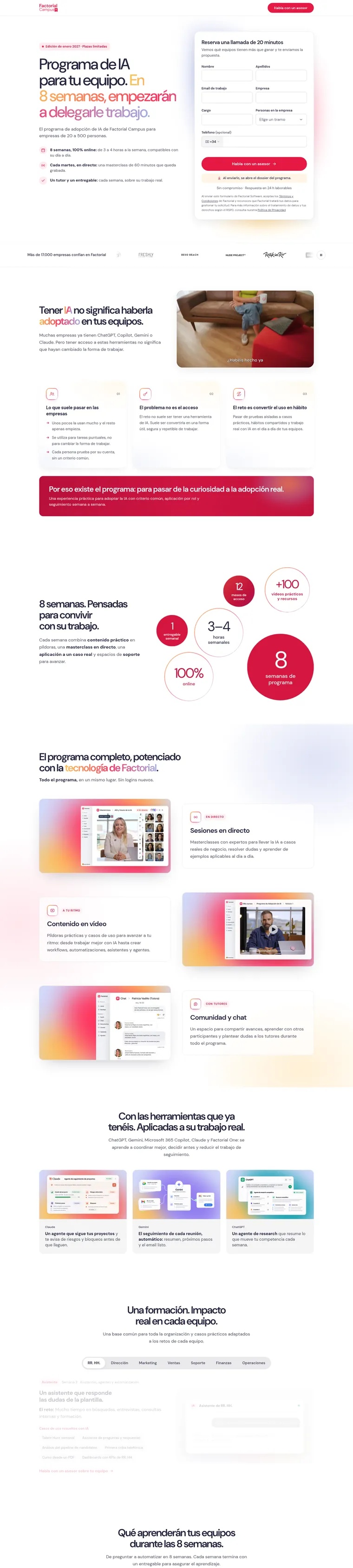
- Put budget on the audiences that close. Baker compares results by audience and moves budget to the ones that turn into customers. For Founderz, leads from LinkedIn enrolled far more often than those from Meta, so Baker raised the executives audience from $1,200 to $2,000 a week and took budget from a broader one.
- Build the right audiences. Company lists and contact lists from your CRM, retargeting of people who watched your videos or visited your site, and targeting by role, seniority and industry, with the audience size checked before launch.
- Keep customers and open deals out. Baker can stop an ad set from reaching companies that are already customers or already in your sales pipeline, so you stop paying to reach them again.
- See which companies your ads reached. It lists the companies that saw and clicked your ads and checks them against HubSpot: which are new to your CRM and which already have deals.
- Launch campaigns and ads. Campaign groups, campaigns and ads in the formats B2B uses most: single image, video, carousel, document ads gated by a form, conversation ads and thought leader ads.
- Run lead gen forms. Forms on the ad, with each new lead sent on to HubSpot, a Google Sheet or your CRM.
- Test and audit. A/B tests between two ad sets, a full account audit, and a weekly report.
Nothing goes live until you publish
Baker does the work, and a person on your team approves it. Every audience, bid, budget and ad waits in a review with the reason Baker made it, before and after. You approve it in one click, in Baker or in Slack.
When you publish, the changes apply to your real LinkedIn account. If you discard the work, nothing changes.
Measuring deals, not leads
On LinkedIn, the cost per lead says little. A B2B deal closes weeks or months after the click, in your CRM. Baker connects the two so LinkedIn can learn from deals.
With HubSpot, Baker watches the deal stages you care about, such as “qualified” or “closed won”, and sends each one back to LinkedIn through its Conversions API, so LinkedIn credits the ads that started the deal and bids toward more of them. Nothing has to be built in HubSpot. The same deals can go to Google Ads and Meta, so every channel is judged on the same sales.
For how to read LinkedIn’s results against your CRM, see the 4-source attribution framework for LinkedIn Ads.
Ads and landing pages for B2B buyers
Baker makes LinkedIn ads in your brand, with a message for each buyer: the executive, the team lead, the person who uses the product. It writes the copy from what your customers actually say and builds image, video and document ads from it.
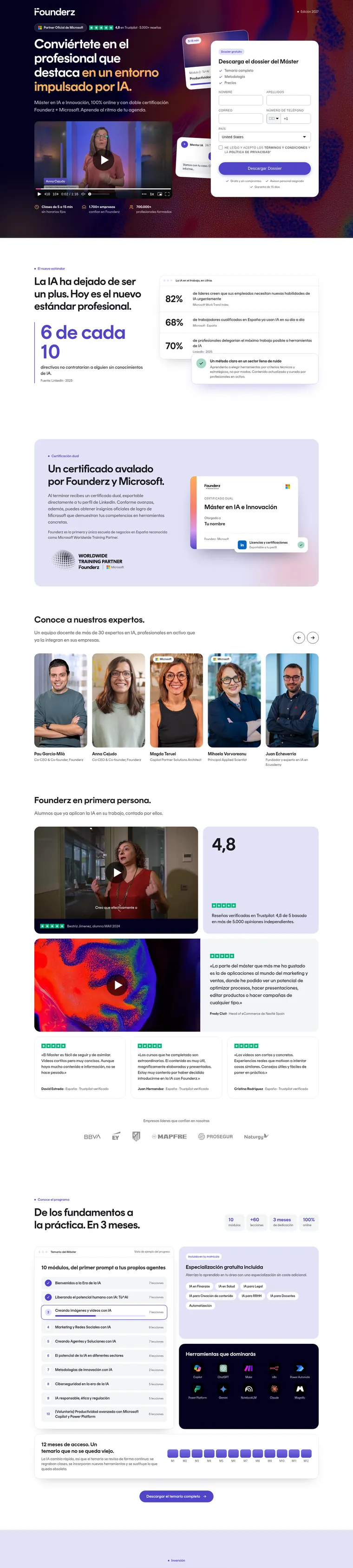
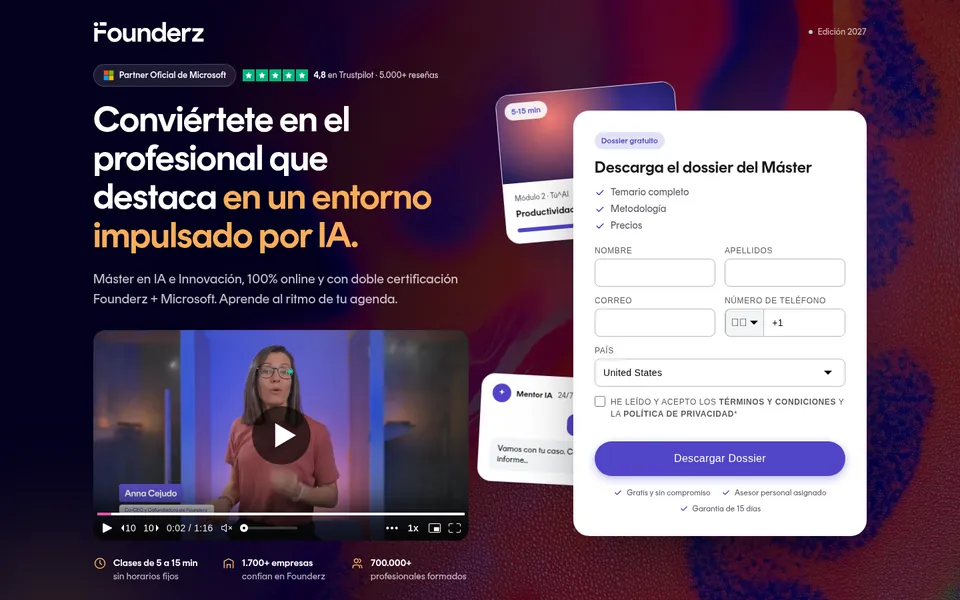
Each campaign can have its own landing page and form, so a demo request lands on a page about that offer. For Founderz, Baker built a new page for its AI Master’s with the brochure form at the top. Baker can A/B test the page and tell you which version brings more qualified leads. For how tight a LinkedIn audience should be, read the 20K to 50K audience rule.
For agencies running B2B clients
An agency can run every client’s LinkedIn Ads from one place. Each client has its own ad accounts, brand and Baker, and each person on your team sees only the clients you give them. New clients connect LinkedIn with a setup link, without creating an account. See Baker for agencies.
LinkedIn by hand and with Baker
| By hand | With Baker | |
|---|---|---|
| Who does the work | Your team, when it has time | Baker, and you approve it |
| Reading results by role and company | A report someone builds now and then | Checked every day, by job title, company and seniority |
| Excluding customers and open deals | Rarely kept up to date | Checked against your CRM |
| New ads | A few a quarter | New versions as the current ones tire |
| What counts as a result | Leads from the form | Deals from your CRM, sent back to LinkedIn |
| Changes to your account | Made directly in Campaign Manager | Nothing applies until you publish |
Other channels Baker runs
LinkedIn rarely runs alone in B2B. Baker runs Google Ads for the people already searching and Meta Ads for reach and retargeting, from the same place. To size the LinkedIn budget, read how much B2B SaaS should spend on LinkedIn Ads.
See what Baker would do in your account
Book a demo and we will show you what Baker would do first in your LinkedIn Ads account, or see the plans on pricing.





 Your Monday report is ready.