Make ad creatives with Baker
- Updated
- 3 min read
- Every plan
- Who can do this: admins and members
 Open in ChatGPT
 Open in Claude
In short
Press New creative on the Creatives page, or ask in any chat, and Baker makes static image or video ads from your Brand, your Knowledge and proven ads that fit your idea. You review each version in the chat and say what to change. Saved creatives appear on the Creatives page once their chat is published. Putting one in a live ad is a separate change you publish.
By the end, you will have a finished creative on the Creatives page, ready to use in an ad.
Before you start
- Your Brand filled in, so Baker uses your logo, colours and fonts. See Knowledge and Brand.
- Real photos of your product, team or customers in Media, when the ad should show them.
- Credits on your plan. A video costs far more credits than a static image.
What is a creative?
A creative is an ad Baker makes for you: a static image ad or a video ad. Baker builds it from:
- your Brand: logo, colours, fonts and voice;
- your Knowledge: the real offer, audience and proof, so it never invents a claim, a price or a logo;
- a proven ad that fits your idea, from Baker’s library of winning ads, whose idea it rebuilds for your offer;
- your Media: real photos of your product or people, when the ad should show them.
Start a creative
-
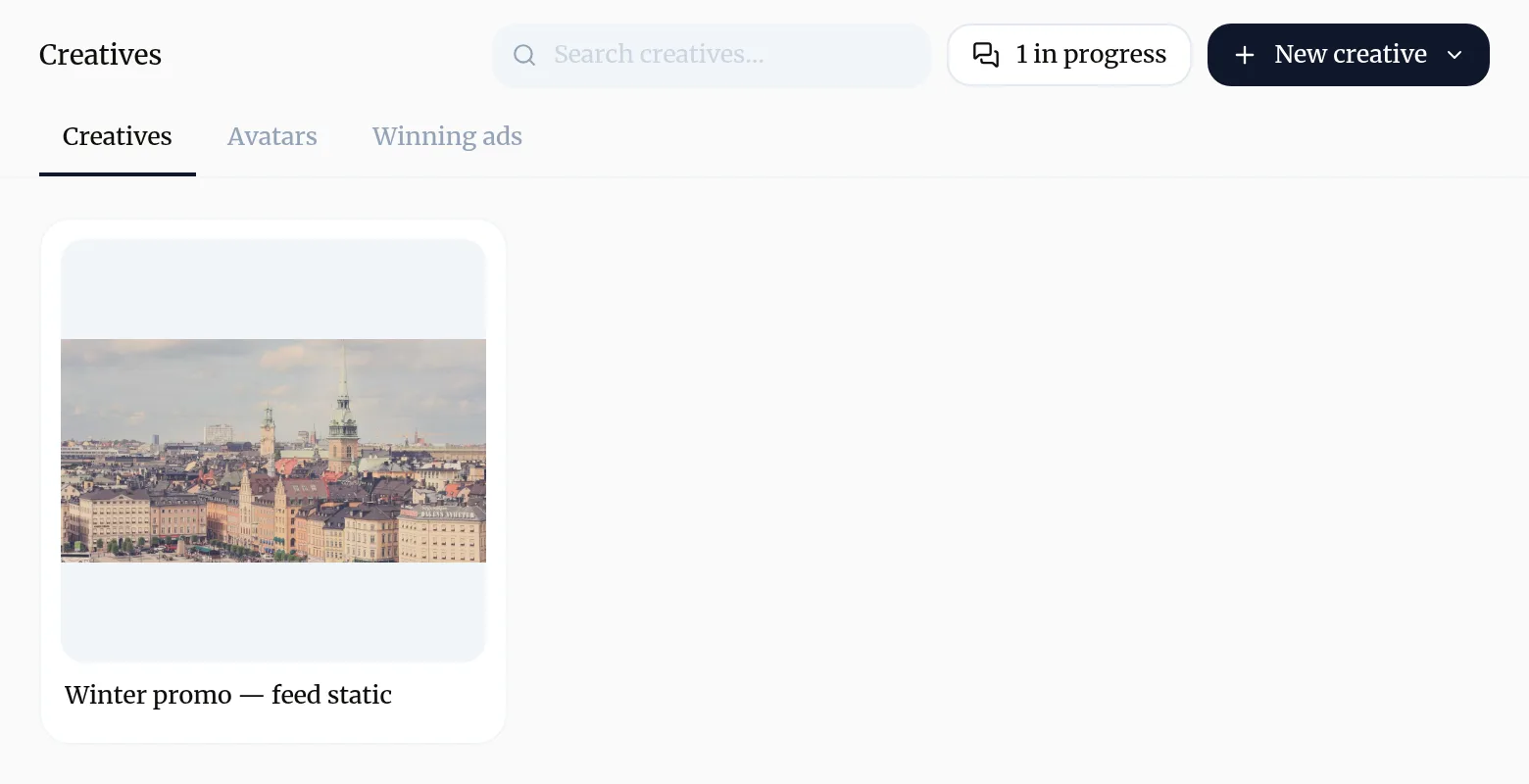
Open Creatives in the sidebar.
-
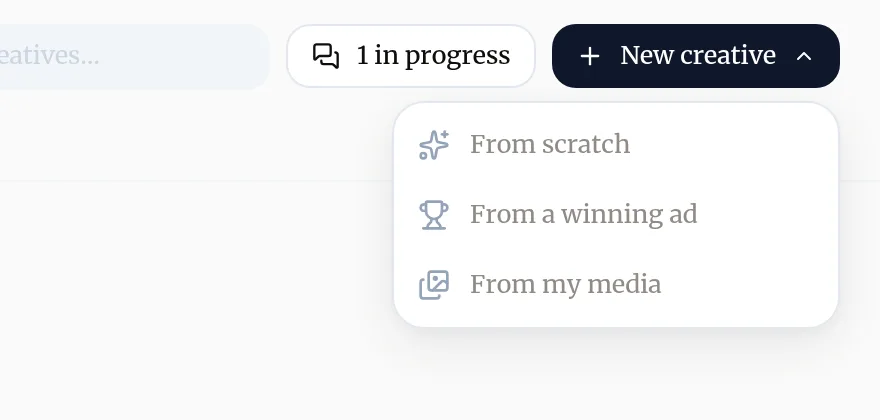
Press New creative and choose how to start:
- From scratch: a new chat where you describe the ad.
- From a winning ad: pick a proven ad from the library, and Baker adapts its idea to your offer.
- From my media: pick photos or videos from your library, and Baker builds the ad around them.
-
In the chat, say who the ad is for, what it offers, where it will run and the sizes you need. You can also ask for a creative in any chat, without the button.
Review it in the chat
- Baker shows each version in the chat as it is made.
- Say what to change in plain words: “the headline is too long”, “use the photo with the family”, “the price is wrong”. Baker fixes that version.
- When something holds for every ad you make, say so. Baker saves it as a rule and follows it next time. See rules.
- Pick the version you want to keep, if Baker offered several. Baker saves the finished version, in every size you asked for, as the creative.
Find your creatives
-
The Creatives page lists the creatives of published chats.
-
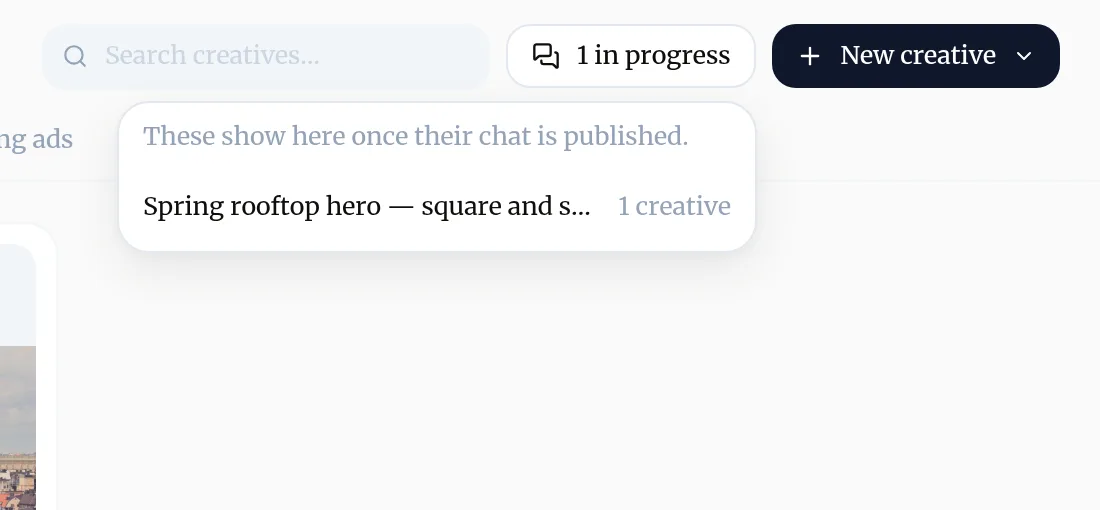
The in progress button at the top lists chats that hold creatives not published yet. They show on the page once their chat is published.
-
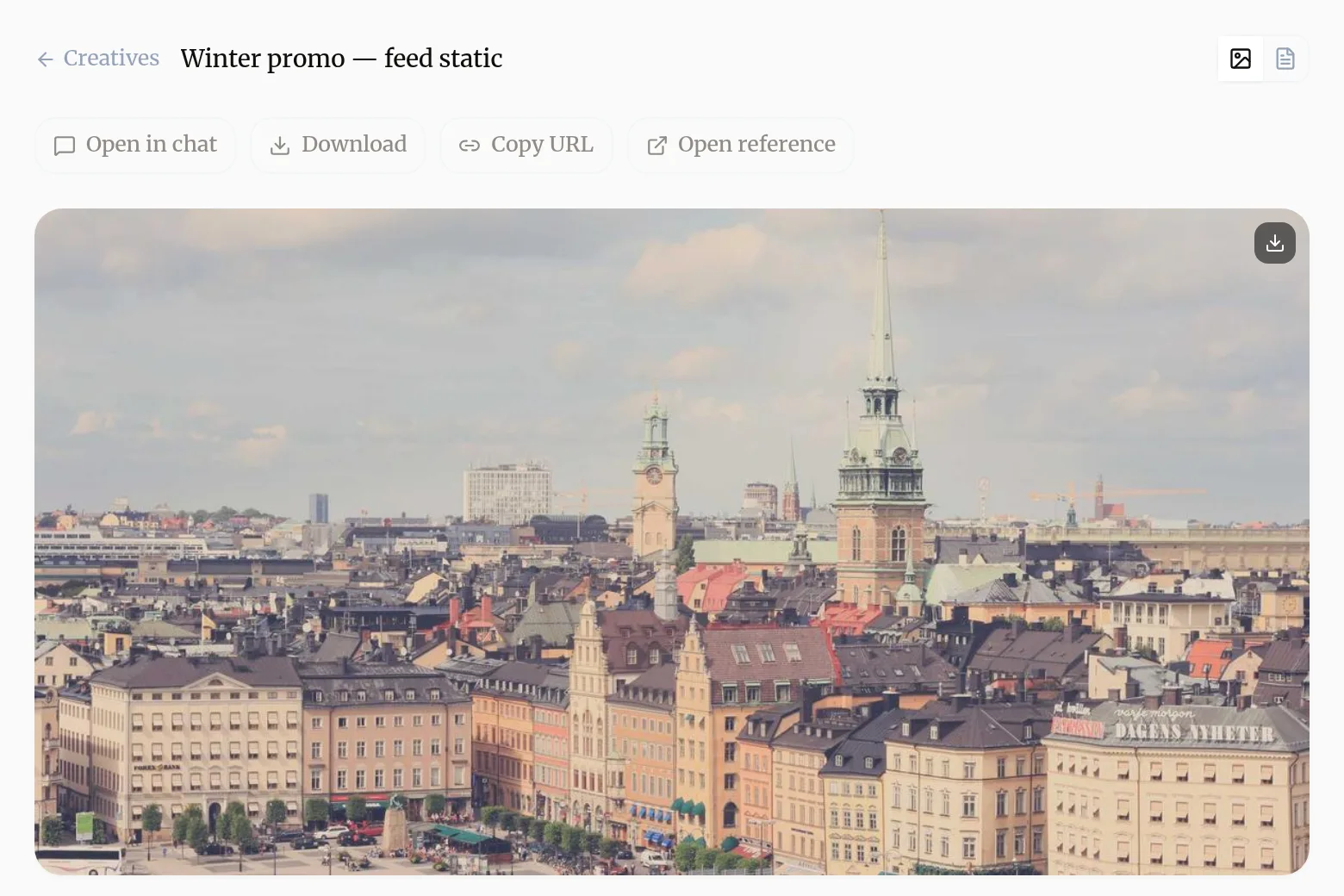
Open a creative to see it full size, with Open in chat, Download, Copy URL and Open reference, the proven ad it was built from.
Two more tabs sit beside Creatives: Avatars, the people who appear in your ads, and Winning ads, the library of proven ads Baker draws on, where you can follow advertisers.
Put a creative in an ad
Saving a creative does not put it live anywhere. To run it:
- In a chat, ask Baker to use it, for example “Use the spring rooftop creative in three new ads in the homeowners ad set on Meta”.
- Review the ad change. It shows how the ad will look on the platform.
- Press Publish. Baker sends the image or video to the platform with the ad.
Step by step: Launch and change ads.
What does a creative cost?
Making creatives spends credits. A video costs much more than a static image, because Baker generates many frames, clips and audio. Small corrections stay cheap: Baker only redoes the parts that changed.
Try asking Baker
Make a square and a story version of a static ad for our free solar savings estimate, aimed at homeowners worried about their power bill.
What happens when you publish
The creatives you saved in the chat appear on the Creatives page. Nothing goes live on an ad platform until you also publish an ad that uses them.
Troubleshooting
- If you see "A creative you made is not on the Creatives page."
- Its chat is not published yet. Press the in progress button at the top of the Creatives page to see which chats hold creatives, open the chat and publish it.
- If you see "The ad shows a claim, price or logo that is wrong."
- Tell Baker in the chat what is wrong. If the fact is missing or out of date in Knowledge or Brand, correct it there so every next ad gets it right.
- If you see "You keep giving Baker the same feedback."
- Say it holds for every ad, for example "never show prices in our ads". Baker saves it as a rule for creatives and follows it from then on.
- If you see "Baker says your credits ran out."
- Video is the most expensive kind of creative. Buy extra credits or wait for your plan's next credits, and ask for static images in the meantime.
Questions
Does saving a creative put it live on Meta or Google?
No. A saved creative lives in Baker. To run it, ask Baker to use it in an ad, review that change and press Publish.
Does Baker copy competitors' ads?
No. Baker picks a proven ad that fits your idea, works out what made it work, and rebuilds that idea for your offer in your own brand. Your own brand is left out of the search.
Can I get the same ad in other sizes or languages?
Yes. Ask for the sizes you need, such as square and story, or for the same ad in other languages. Each language keeps the design and only the words change.
Can I download a creative?
Yes. Open it on the Creatives page and press Download, or Copy URL to share a link to the file.
Who can make creatives?
Admins and members. Viewers don't get the New creative button.
Next steps
- Launch and change ads with Baker Ask Baker for a campaign or a change, review every change as the ad platform would show it, and publish it to Meta, Google Ads, LinkedIn, X or ChatGPT Ads.
- Teach Baker your business with Company, Knowledge and Brand What each page under Brain holds, how Baker uses it in every piece of work, and how to add to it or correct it.
- Understand credits and get more when you run low What credits are, what uses them, where to see your balance, what happens when they run out and how to buy extra credits.
Was this helpful?
Thanks. We read every answer.