Know when a target account warms up on your LinkedIn Ads, and who to call
Baker now tells you when a company starts engaging with your LinkedIn Ads, finds who there likely saw them, and shows real spend, video views and reach for every account you target.
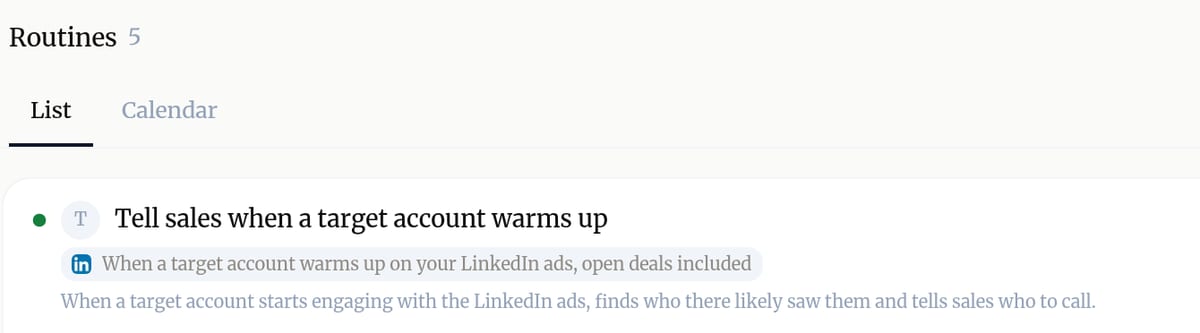
Baker, the AI agent for B2B LinkedIn Ads, now runs account based marketing from start to finish. Since October 28 you can set a routine that starts when a company, or only one of your target accounts, warms up on your LinkedIn ads. Each night Baker reads which companies engaged, and the routine gets the company, the campaigns that reached it and the roles they target, so it can tell your sales team who to call.
To find those people, Baker first looks at who you already know at the company: contacts in HubSpot or ActiveCampaign, people found before, and leads that came in through your Forms. It then names the roles nobody known holds. With Outside data switched on in Settings, it can look further, using your credits. Work emails and phone numbers stay off until an admin switches on Find contact details.
Accounts, under Measure, now shows what you really spent on each company, taken from your ad accounts, so you no longer see a few euros against hundreds spent. It reads LinkedIn day by day, so a deal only counts the ads a company saw before it opened, and it can show which open deals your ads kept warming after they opened.
Video views now count. LinkedIn does not treat a watched video as engagement, so Accounts adds a Video views column and an optional Attention rule that lets views warm up a company. It also shows when your ads stop reaching an account: Excluded when every running campaign leaves it out, or the last day LinkedIn reached it.
Published .