
Run, track and measure ChatGPT ads with Baker
Baker now connects to ChatGPT Ads: it builds your campaigns, adds the conversion pixel to your pages and reports ChatGPT ads next to your Meta and Google ads.
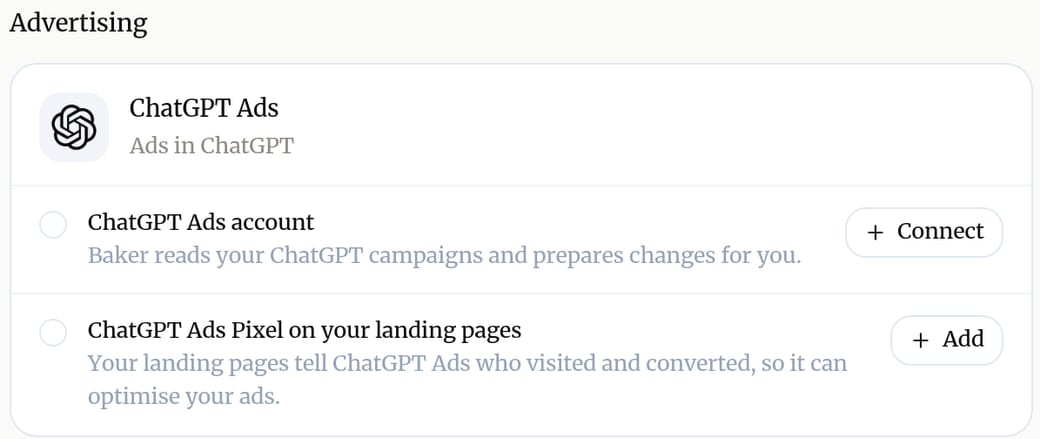
Since September 26, 2026, Baker can run your ChatGPT ads. Connect your ChatGPT Ads account and Baker prepares your campaigns, ad groups and ads, tracks the conversions they bring and reports their results next to your Meta and Google ads. It is for marketers adding ChatGPT as a new ad channel who want it planned and measured like the rest.
You connect the account in Integrations with the key from your own ChatGPT Ads Manager. Baker then reads your campaigns, ad groups, ads and conversions, and prepares new ones, which go live only when you Publish. It also adds the ChatGPT Ads pixel to your Landings, respecting cookie consent, and sends the leads from your Forms back to ChatGPT Ads as conversions.
In your reports, ChatGPT ads are a channel of their own, split by campaign, ad group and ad. So you can see what a lead or a sale costs on ChatGPT and compare it with Meta and Google before you move budget.
Start by connecting the account and adding its pixel, so conversions count from day one. Then ask Baker for a first campaign built around the questions your customers ask most, and compare its results with your other channels once it has run for a while.
Published , updated.