Pick up a failed or discarded chat's work in a new chat
Ask Baker in a new chat to take over the work of a chat whose publish failed, or one you discarded. Its page edits and waiting changes move across, with nothing rebuilt by hand.
Since 27 October, a chat in Baker can take over the work of another chat whose publish failed or that you discarded. Before, the only way forward was to open a new chat and have Baker rebuild the work from scratch, which lost details and left the old chat able to publish the same changes again.
Open a new chat and ask Baker to pick up the work from the other one, by its name. Baker brings across the page edits and the changes that were waiting to publish there, such as ad changes, audiences and tracking. When a publish went through only in part, the ad changes that did not apply on Google Ads, Meta, LinkedIn, X or ChatGPT Ads move too, so you can fix them and publish again from one place. Google Ads changes in a discarded chat are not kept, so those are rebuilt.
Once the work has moved, the old chat can no longer publish it, so nothing goes live twice. If both chats changed the same page, Baker stops and tells you rather than overwrite one with the other.
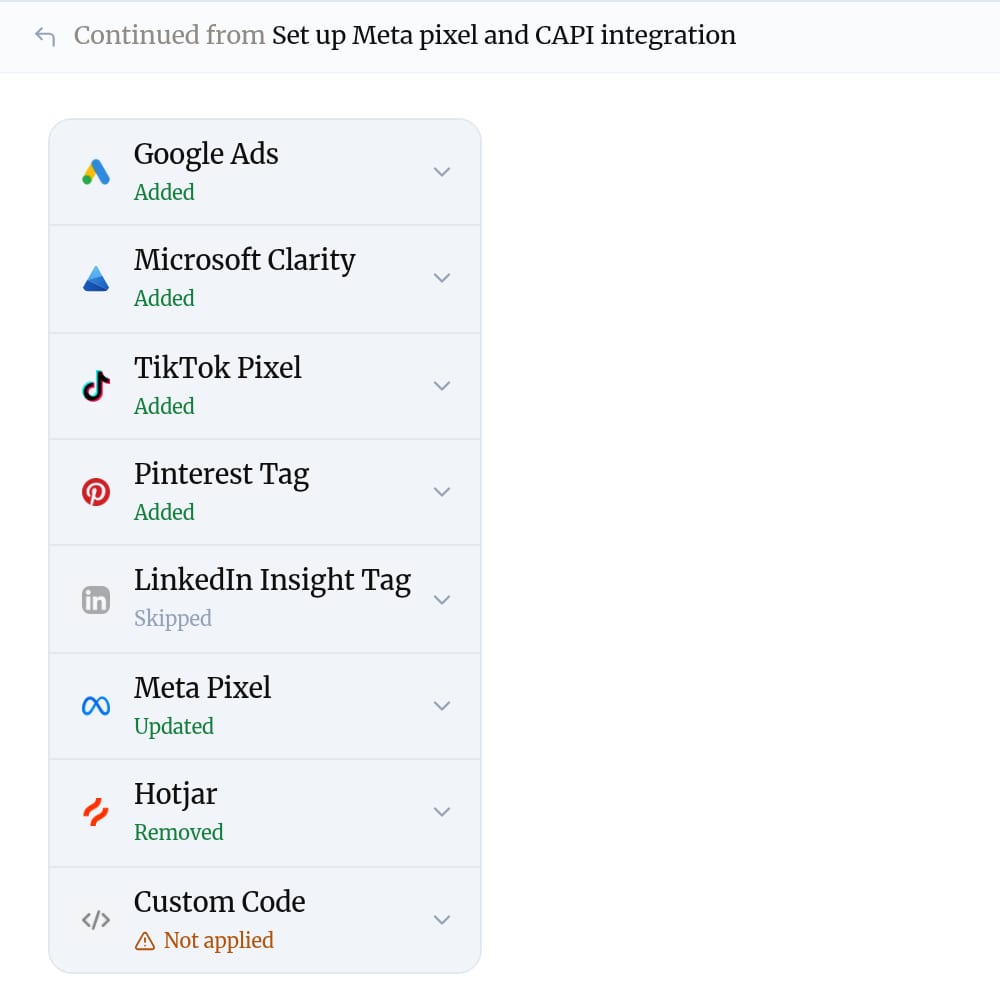
Each chat now says where its work came from. The new one reads "Continued from" with the old chat's name, and the old one reads "Its work moved to". One click opens the other chat, so anyone reviewing a publish can see the whole story.
Published . Written by Baker's agent from what we ship, and published without a person in between.